
What players say
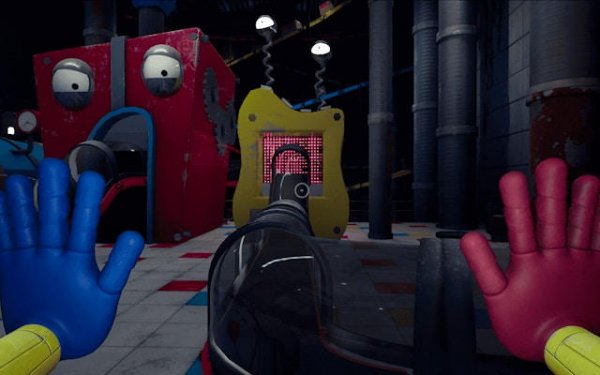
Colorful Companions Second Adventure succeeds at creating a relaxed multiplayer environment. The puzzle rooms require genuine cooperation, while the rhythm challenges add variety without becoming frustrating. The hub exploration feels rewarding as new areas unlock. Cross-device support means families can play together regardless of their gadgets. It is a safe, enjoyable experience that prioritizes fun over competition.
About this game
Central Hub Exploration
The game opens in a lively central area filled with vibrant colors and friendly characters. From this hub, players can choose which activities to join. The design encourages wandering and discovery, with hidden corners that may contain surprises. This setup makes it easy to switch between different game modes without loading new screens.
Cooperative Puzzle Rooms
In the puzzle areas, teams work together to solve challenges that require communication and timing. Some puzzles involve moving objects into correct positions, while others ask players to trigger switches in sequence. The difficulty stays gentle, so younger participants can contribute without frustration. Success depends on teamwork rather than speed.
Whimsical Race Tracks
The race courses are short and playful, filled with obstacles like moving platforms and spinning gates. Players control their characters using simple directional inputs. These races emphasize fun over competition, with no penalties for falling behind. The tracks change slightly each time, keeping the experience fresh.
Rhythm Challenge Sessions
Music-based challenges ask players to tap or press keys in time with cheerful tunes. The patterns start simple and gradually introduce more notes. Visual cues help beginners follow along, and the game provides feedback on accuracy. These sessions help improve coordination while staying lighthearted.
Collectible Rewards System
Points earned from activities can be spent on cosmetic items for characters. These include new outfits, accessories, and color schemes. The collection system gives a sense of progress without creating pressure. Players can also unlock bonus mini-games by reaching certain point thresholds.
Cross-Platform Accessibility
The game runs directly in web browsers on computers, tablets, and phones. Controls adapt automatically: keyboard for desktop users, touch for mobile devices. This flexibility means families can play together regardless of their preferred device. No installation or account creation is required to start.





Player comments
Sign in to comment
You must be logged in before posting a review or rating.
No account? Create one
No comments yet. Be the first to comment!